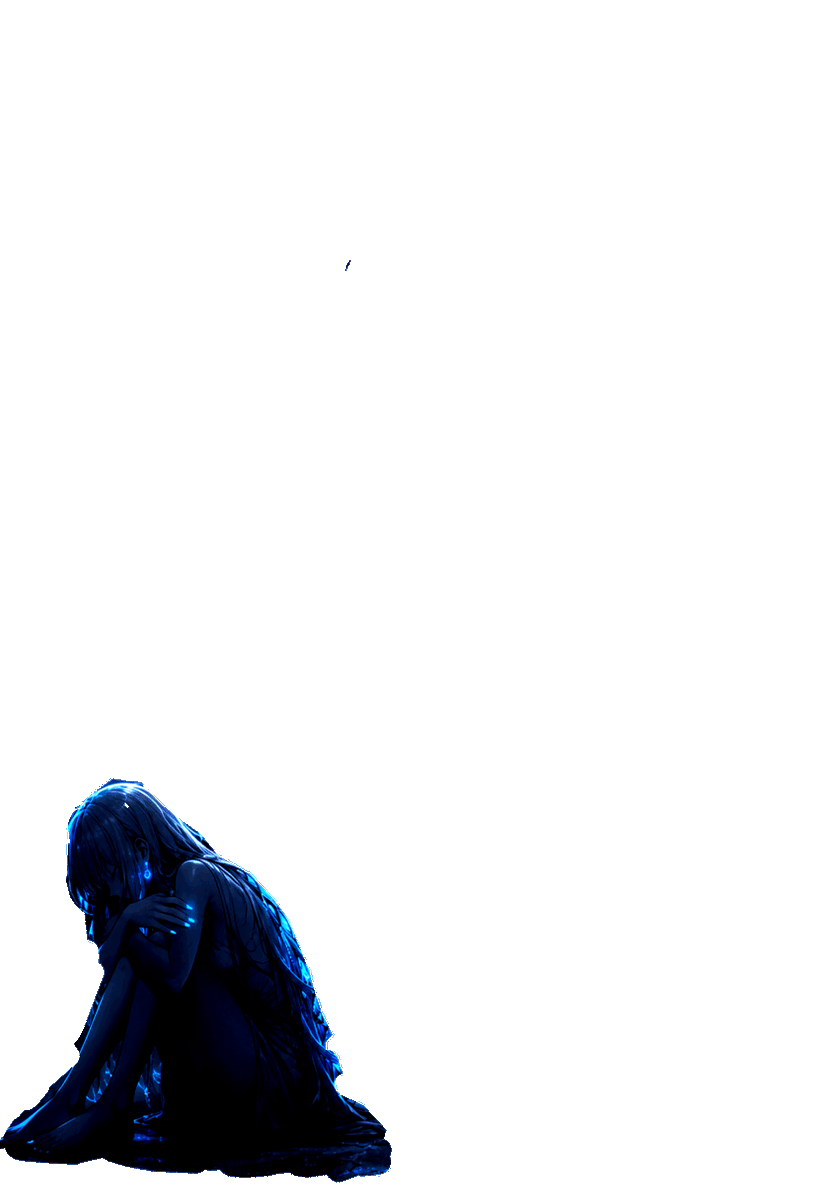
Popular Tap and Hold Showcase Posts on X
See how creators and artists use Long Press tap hold images to boost viral retweets and likes on X.
Create high-engagement Tap and Hold (Tap Hold / Long Press) transparent PNG images for X (Twitter). Faint in timeline thumbnails, revealing full vibrant photos on long press.
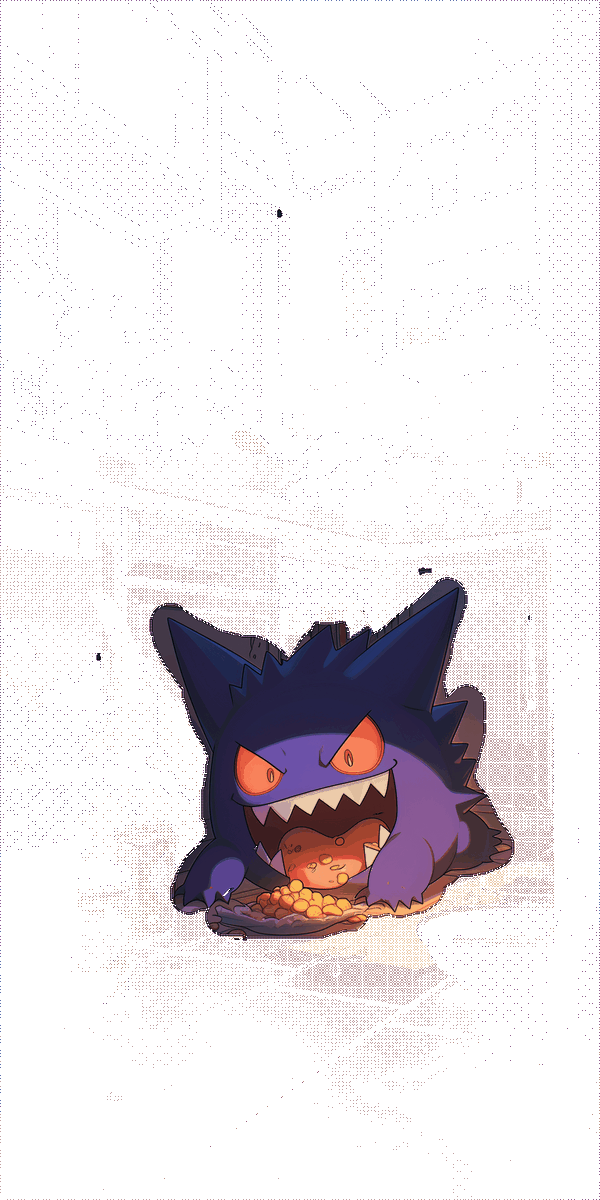
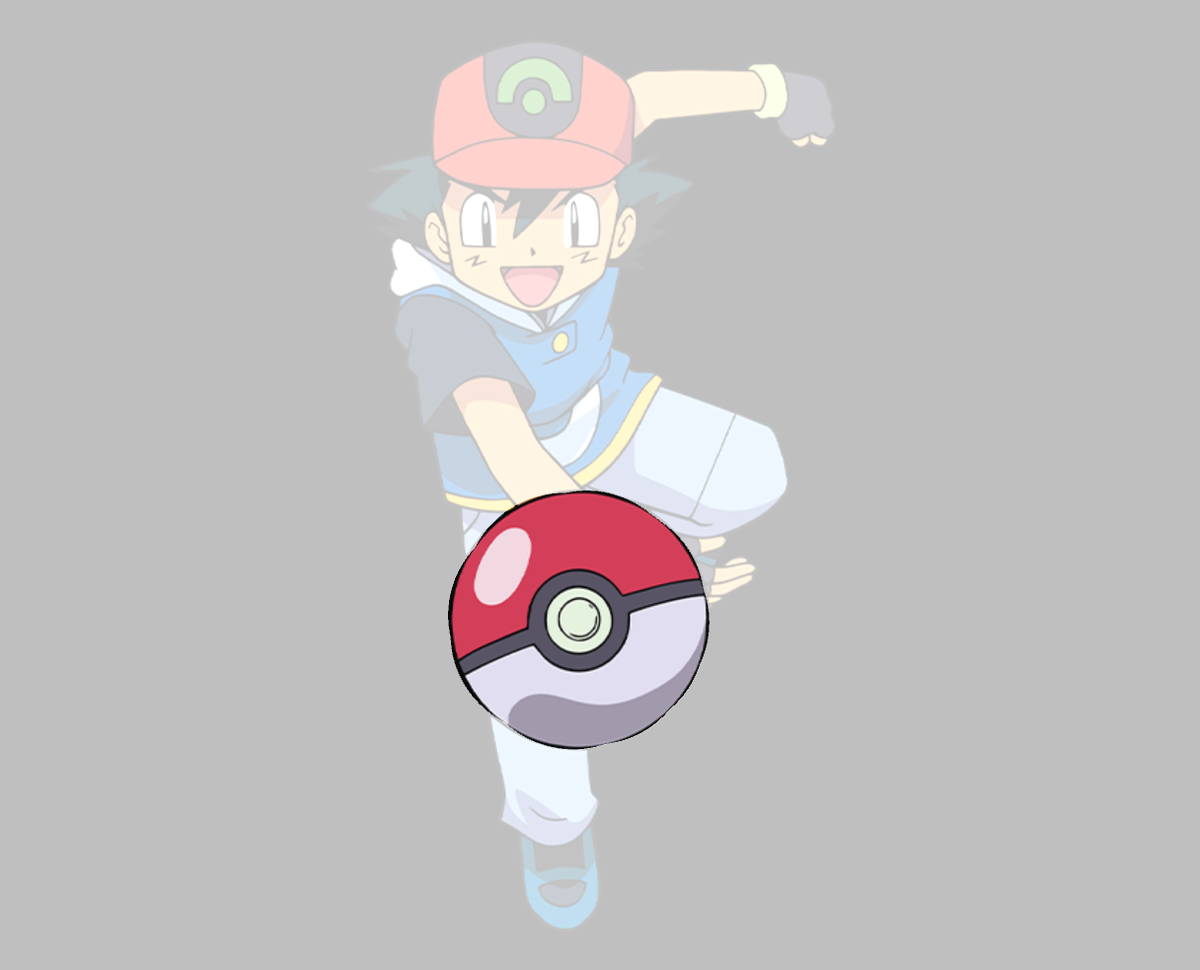
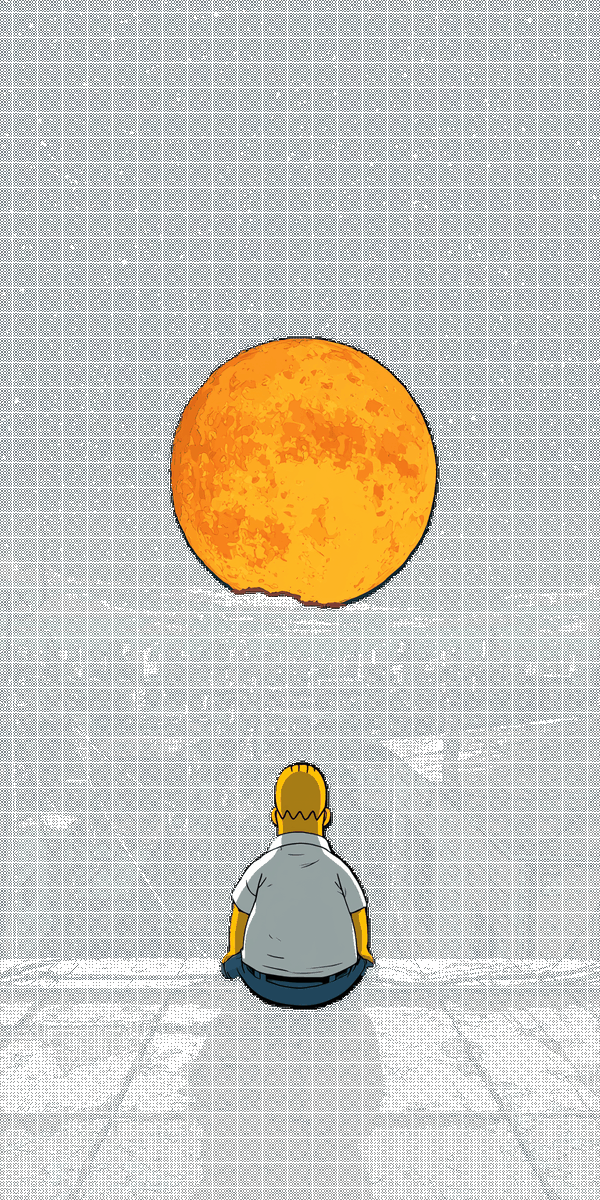
A Tap and Hold image (also widely known as Tap Hold or Long Press image) is a specially engineered transparent PNG graphic designed for X (Twitter). It takes advantage of the optical background color shift between X's light timeline view (white background) and full-screen image viewer (solid black background).
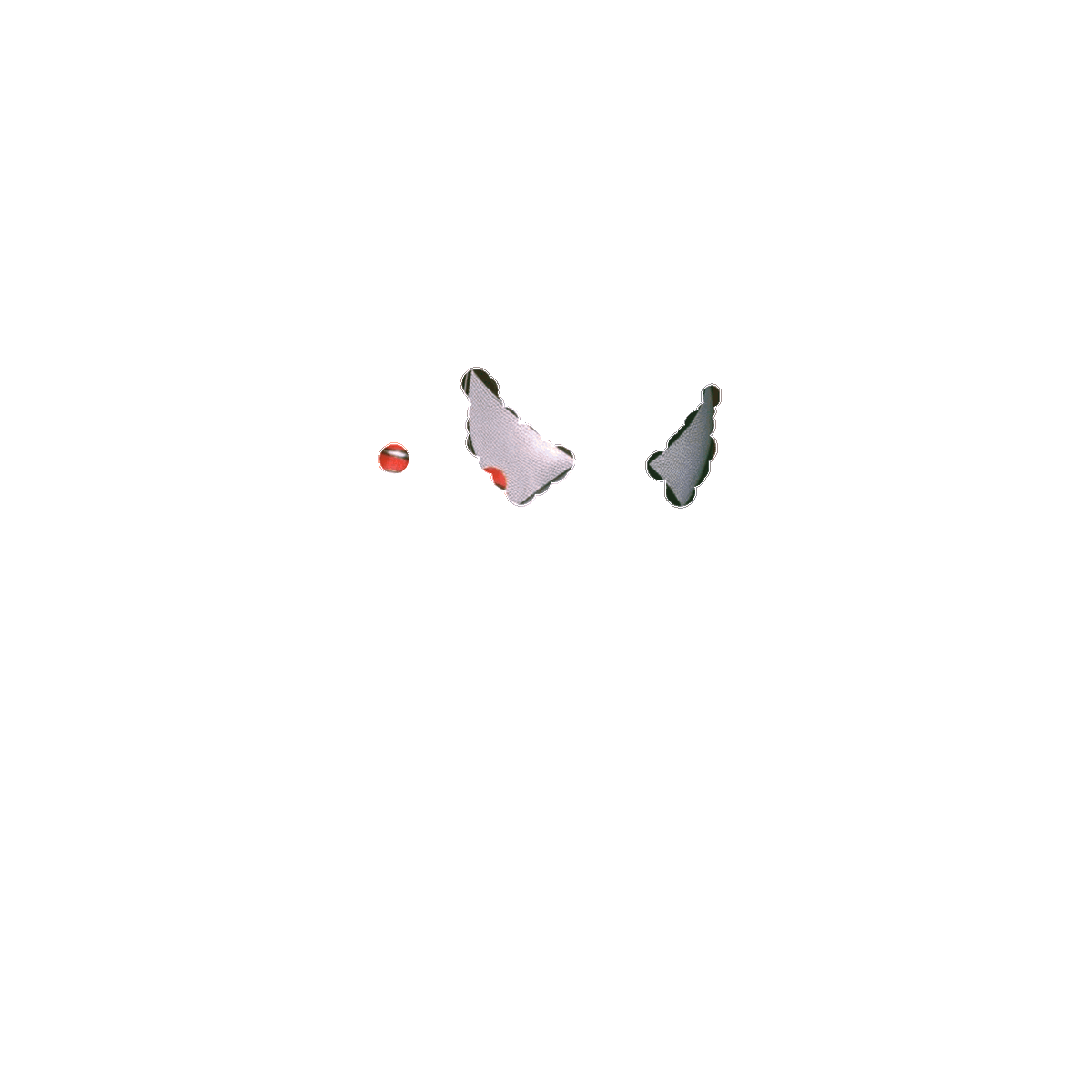
In the timeline thumbnail, 50% of the image pixels are transparent, allowing the bright white background of X to blend into washed-out or pure white space, showing only your painted teaser area (e.g. eyes or face). When a mobile user performs a Long Press or tap to enlarge the image, the solid black background brings contrast to the transparent grid, instantly revealing the complete, full-color picture in stunning detail!
Everything you need to create viral Tap Hold and Long Press posts on X with zero hassle.
Paint directly on your photo with custom brush sizes, undo/redo, and mask invert tools to select exactly what stays visible in timeline thumbnails.
Experience the exact Long Press reveal transition interactively right on your browser screen before publishing to X.
Exports lightweight 8-bit indexed transparent PNGs that prevent X servers from re-encoding your image to flat JPEG on timeline render.
Upload the complete final image to be revealed on Long Press (e.g. glowing, full-color version).
Use the brush directly on canvas to paint the teaser mask visible in the timeline thumbnail.
Click download to save the transparent PNG8 file optimized for X's Tap and Hold transparency engine.
Upload to X from a desktop web browser (do NOT use mobile app). Wait 1–2 minutes for X to index!
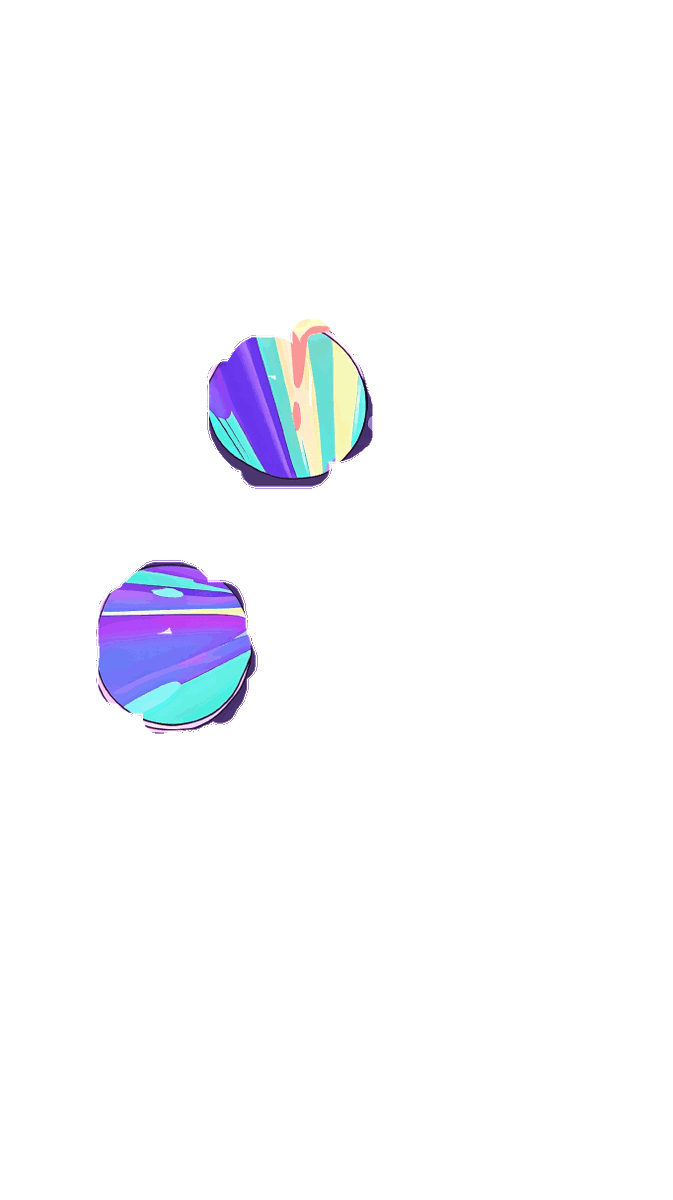
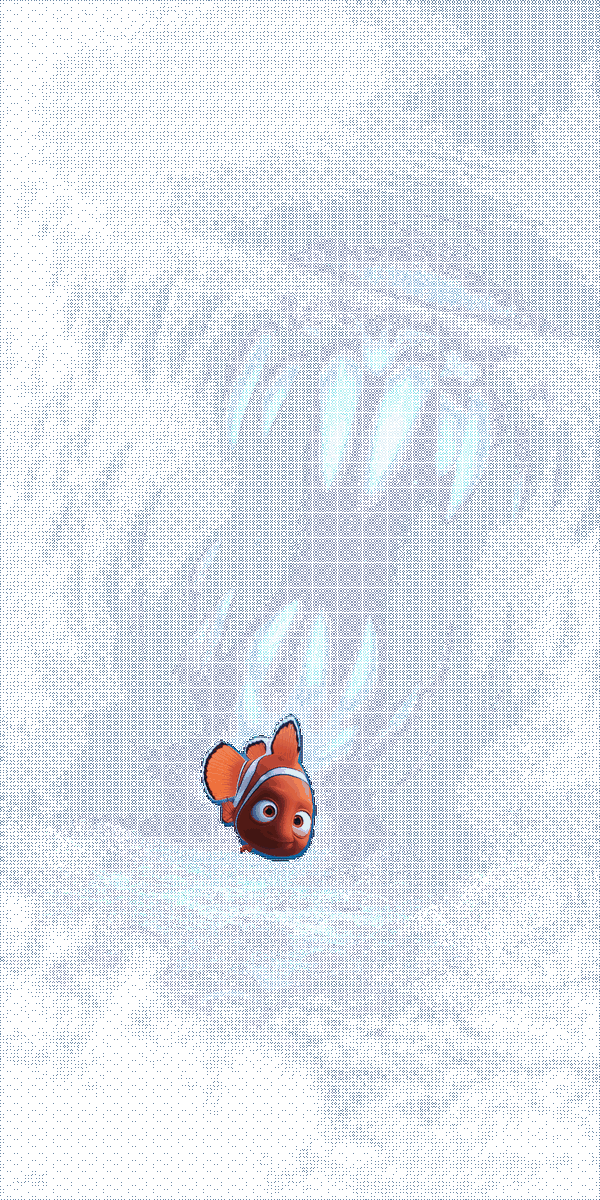
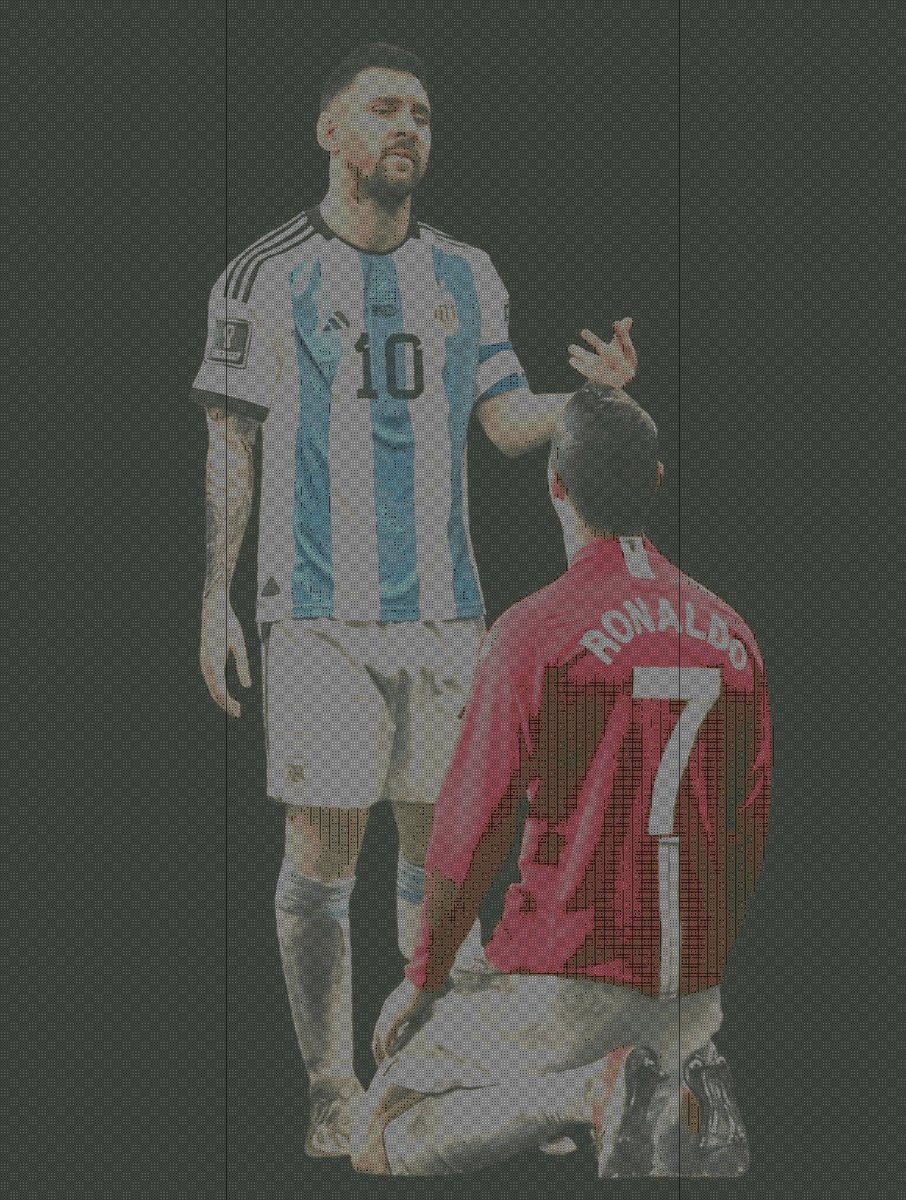
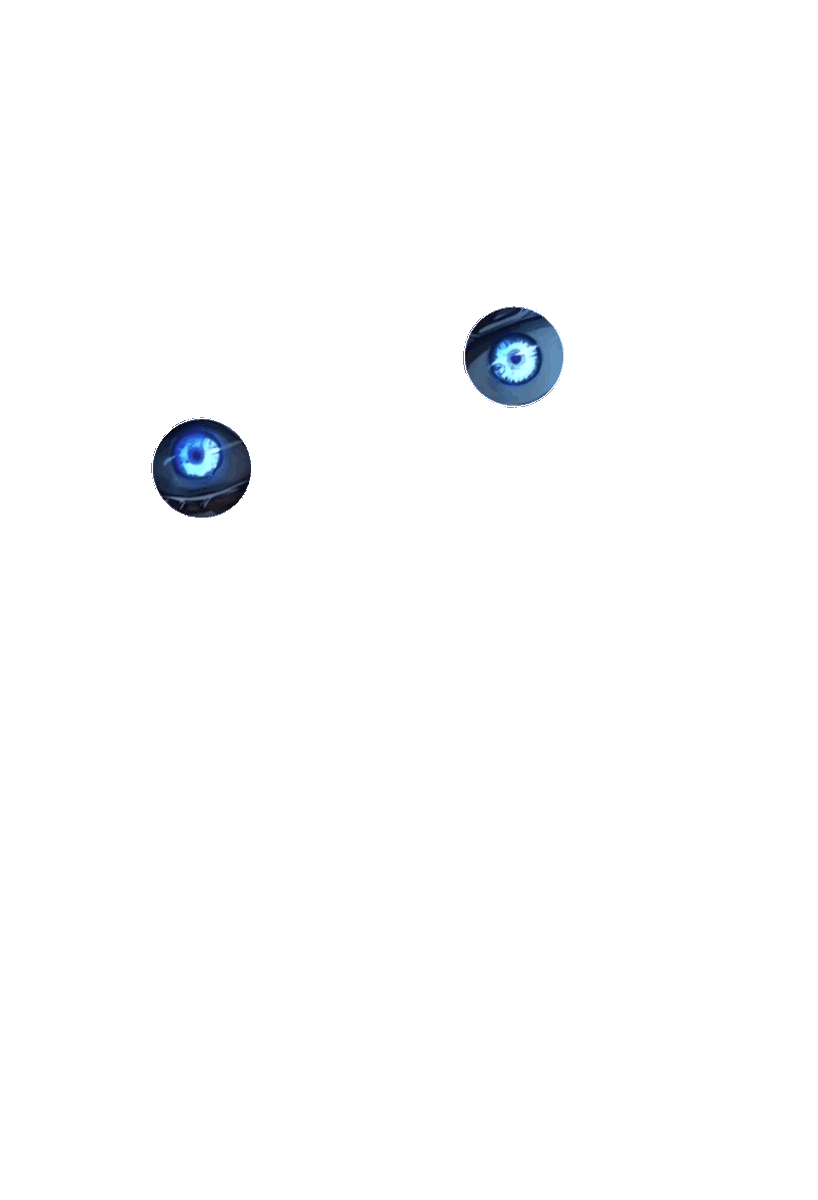
See how creators and artists use Long Press tap hold images to boost viral retweets and likes on X.
Maximize engagement, retweets, and impressions on X by following these essential creation guidelines.
Use artwork with vibrant, glowing colors or bold dark elements. The contrast between white timeline blending and solid black fullscreen viewer accentuates the long press reveal effect.
Only paint intriguing details like character eyes, facial expressions, or mystery clues on the mask canvas. Give followers a reason to stop scrolling and long press!
Never upload from mobile X app! Mobile apps automatically convert transparent PNG files to opaque JPEGs, destroying the transparency grid required for the long press trick.
Include clear action phrases in your tweet text such as "Tap and hold to reveal 🎨" or "長押しで変化?". Guide mobile users directly to interact with your post.
A Tap and Hold image (also called Tap Hold or Long Press image) is a specially encoded transparent PNG. In the X timeline thumbnail (white background), it alpha-blends into washed-out white space, showing only a teaser region. When a user long presses or taps to view full screen (black background), the dark contrast reveals the vibrant full image.
The X mobile app automatically converts uploaded PNG files to flat JPEG images, which destroys the transparent pixels needed for the Long Press effect. Uploading from a desktop web browser preserves the original 8-bit transparent PNG file intact.
PNG8 uses 8-bit indexed color palettes with explicit transparency index flags. X's thumbnail engine processes PNG8 differently from 32-bit RGBA PNGs, maintaining the grid transparency pattern in thumbnail generators without flattening.
High-contrast illustrations, glowing digital art, anime character portraits, and vibrant wallpapers work best. Images with expressive eyes or glowing elements produce dramatic reveal transitions on long press.
Yes! As long as you upload the generated PNG8 file from a desktop web browser (x.com), the transparent pixel matrix renders correctly on all official mobile apps (iOS & Android) when users long press.
Standard transparent PNGs often get re-encoded or flattened to solid background colors by Twitter image servers. Our Tap and Hold engine applies an interleaved 50% transparency grid quantizer in 8-bit indexed PNG format, keeping transparency intact across X timeline renders.